Embedded system using STM32 with PWM, UART, sensors, and servo control
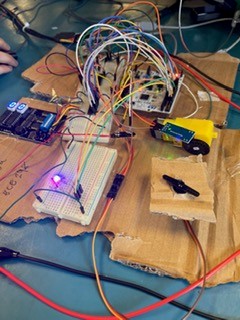
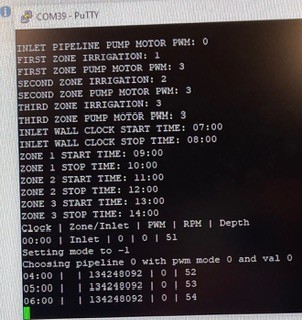
This project simulates an automated water reservoir irrigation system controlled by an STM32 Nucleo board. The system manages multiple irrigation zones by directing flow with a servo motor and controls pump speed using PWM signals adjusted via a potentiometer and UART terminal input. It continuously monitors water depth with an ultrasonic sensor and motor RPM with an optical sensor to ensure safe and efficient operation. Safety features include automatic pump shutdown on low water level and visual status indicators using RGB LEDs. The setup integrates real hardware components like DC and servo motors, sensors, and UART communication, showcasing embedded system design and real-time control.
WHMIS Course in VR
Made using C# and Unity for Meta Occulus 2 and devices3
I developed a VR game using Unity, designed as a WHIMIS educational course with five interactive stations, each featuring mini-games to assess player knowledge. The game is compatible with Meta Oculus devices and incorporates UI elements, visual effects, and gameplay mechanics. The attached video provides a complete walkthrough with audio commentary, demonstrating the game's features. Additionally, the included documentation offers a detailed analysis of the C# code. This project was presented to management to highlight the potential of VR in educational technology.
Be sure to check out the C# code on my github!
VR Game
Made using C# and Unity for Meta Occulus 3
The game features an intuitive UI design, including an interactive instruction menu with a start button. Key elements include a functional UI stopwatch, dynamically spawning hurdles with adjustable speeds via Meta Oculus controllers, and immersive visual effects like ground dirt and collision-triggered smoke clouds.
The video shows some clips of different elements of the game spliced together. Some examples include the halfway checkpoint, and the win vs loss final image.
Hangman Game
Made using Console Application on Visual Studio
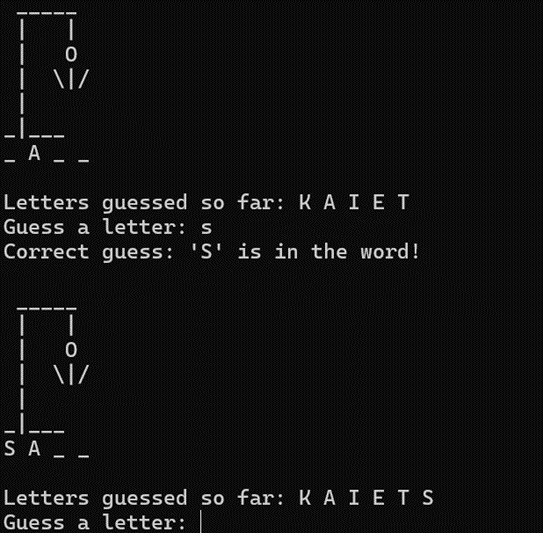
This image shows a clip of the Hangman game in progress. A word selected randomly from a text file is loaded into a dictionary list using StreamReader. The game mechanics include body part additions that update with each incorrect guess, and displaying the text accordingly. Additionally, all letters are converted to uppercase for consistency throughout the game.
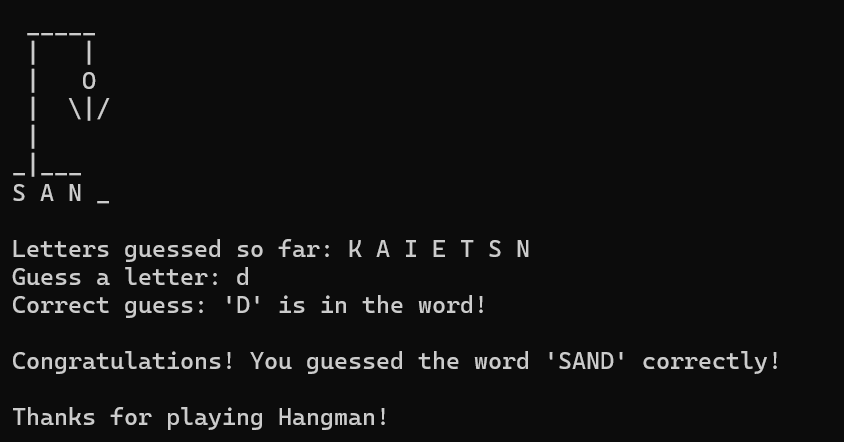
The second clip demonstrates the end of the game upon the players's victory, where the text updates to notify the player of their win and reveals the final word. In the event of a loss, a similar message appears, informing the player of their defeat and displaying the final word.
Made using Windows Forms Application on Visual Studio
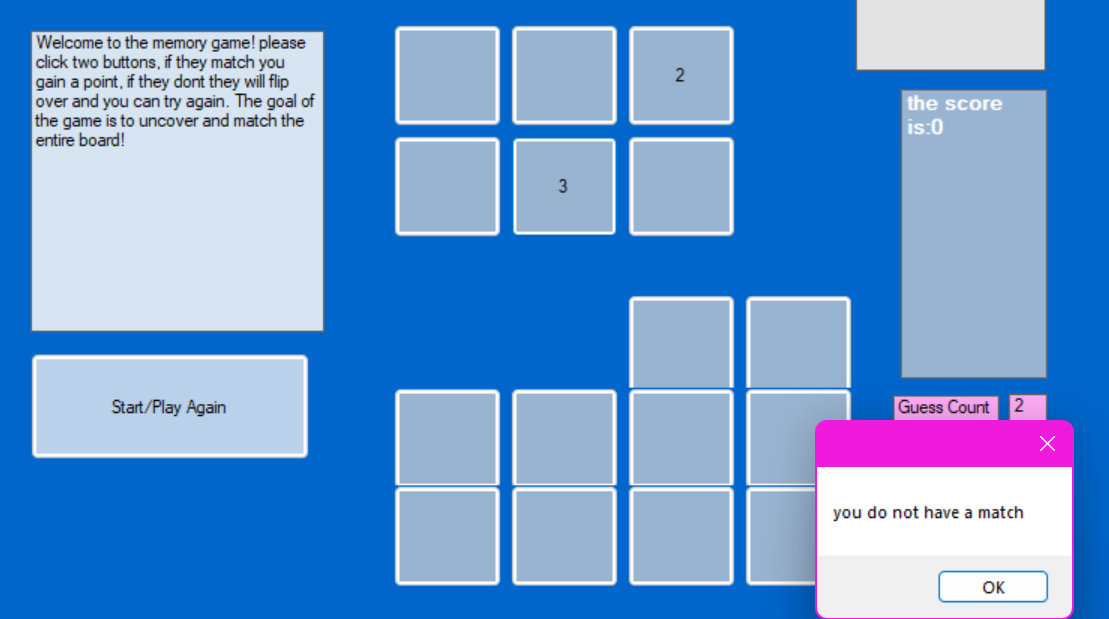
This photo is a screenshot of the opening page of the matching game, the rules are laid out in a textbox on the left side of the screen and six buttons are functional for the game, there is also a label to display the number of guesses and the number of correct guesses.
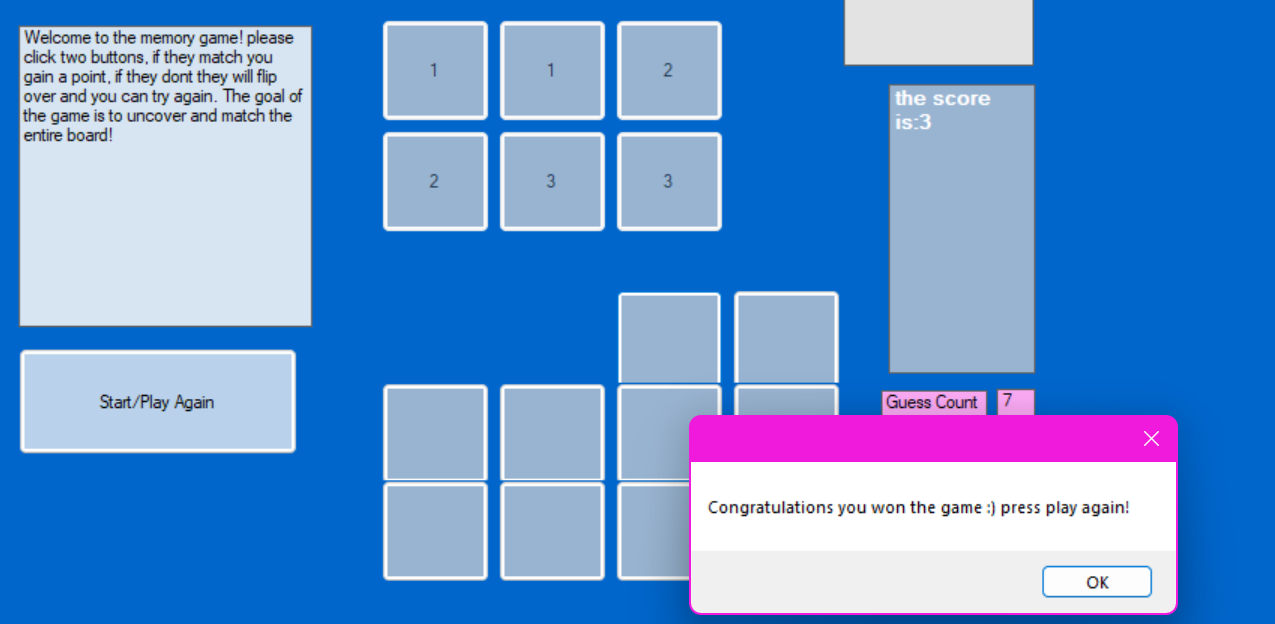
This photo shows the final screen when the user wins the game, you can see that the guess count has been recorded as 7, and the score is at its maximum which is 3. The start button can also be pressed to start my random shuffling algorithm to restart the game.